
How do I connect Stripe so clients can pay by card?
Connect Stripe from Getting paid to offer card payments. Successful payments can unlock delivery downloads automatically.
Connect your Stripe account to let clients pay by card (Pro and above). When card payments are enabled for a delivery, a successful payment unlocks the released downloads automatically.
-
Open Settings in the sidebar.
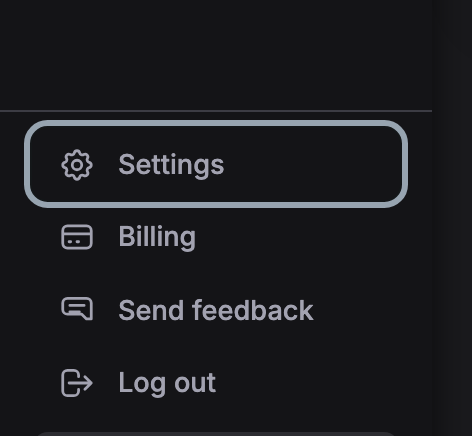
-
Choose Getting paid in the list on the left.
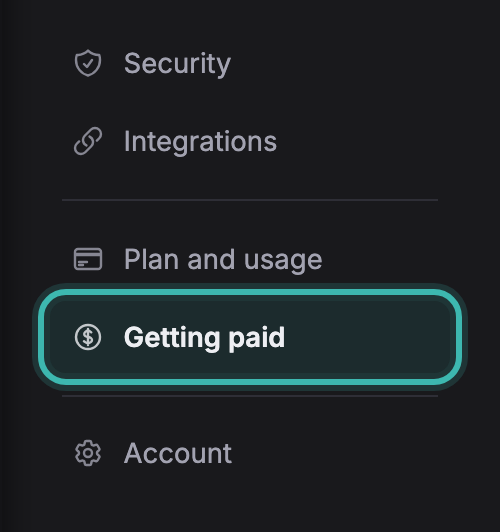
-
Press Connect Stripe and complete the Stripe setup for your account. You can connect an existing Stripe account.

-
Back in Soneam, the card reads Payments enabled. Enable card payment on the deliveries where you want to offer it.
Payments are processed through your connected Stripe account. Soneam charges no transaction fee; Stripe’s fees apply.
Stripe is optional. For external payments, add instructions to Delivery, check receipt and mark the delivery as paid. If your Stripe payment capability becomes unavailable, Soneam disables card payment and attempts to notify you.
Not covered here? Write to support@soneam.com.