
Can I go back to an earlier version?
Yes. Select the older version and make it current. This also changes the download for a released track.
Each track has one current version. It plays first when a client opens the review link and is the file offered when that track is released for download. Uploading a revision makes it current automatically.
You can make an earlier version current without deleting or uploading files again. If a replacement needs approval before download, use Unrelease before changing the current version.
Free allows up to 3 retained versions per track. Existing versions remain available even if a downgrade leaves a track above that limit. Switching to an earlier version does not use another slot.
-
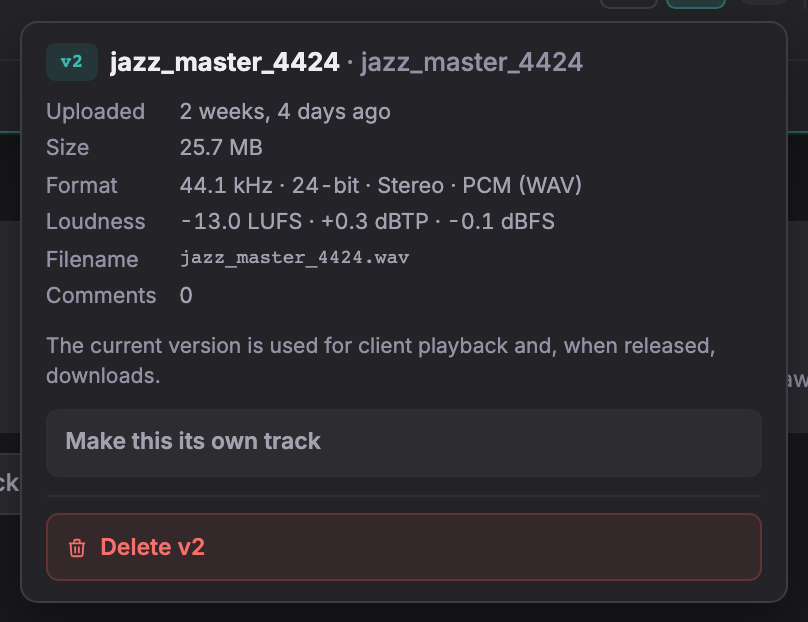
Open the project and pick the older version with the v1 / v2 buttons under the waveform.
-
Press the menu beside those buttons, then the button that makes it the current version.
The selected version plays first. Other versions remain available if version history is enabled. A released track’s download also changes to the current version.
Earlier versions and their approval records remain. Making a version current does not approve it.
Not covered here? Write to support@soneam.com.